
面临的挑战
学生与教师
不同年龄段、学科及教学角色,需要兼顾移动性、输入方式和性能的设备。
便于管理的设备群
统一的配置、充电安排及实用的设备标识,让共享设备群更易于管理。
课堂协作
交互式显示屏与兼容的计算设备可将数字内容、批注和小组互动带入课堂。
预算与学期安排
产品选型、数量及部署规划需与资金周期和教学日历保持一致。
适合的实施方式
选择合适的平台
根据应用、管理方式和年龄段评估 ChromeOS、Windows 和 Android 机型。
统筹规划整个课堂
在考虑设备本身的同时,统筹考虑充电、课堂显示屏及兼容配件。
协调部署
围绕学期安排,统筹配置、数量和交付需求。
即将于 2027 年推出
适合紧凑型和大屏学习场景的 MediaTek Chromebook 选择。
比较便携的 11.6 英寸翻盖式机型与 14 英寸 WUXGA IPS 机型。两种已记录配置均包括 Wi-Fi 6E、LPDDR5 内存和 ChromeOS。
相关产品类别
从设备到课堂,将 Chromebooks、笔记本电脑、平板电脑、交互式显示屏及充电解决方案整合为一套周全的技术方案。
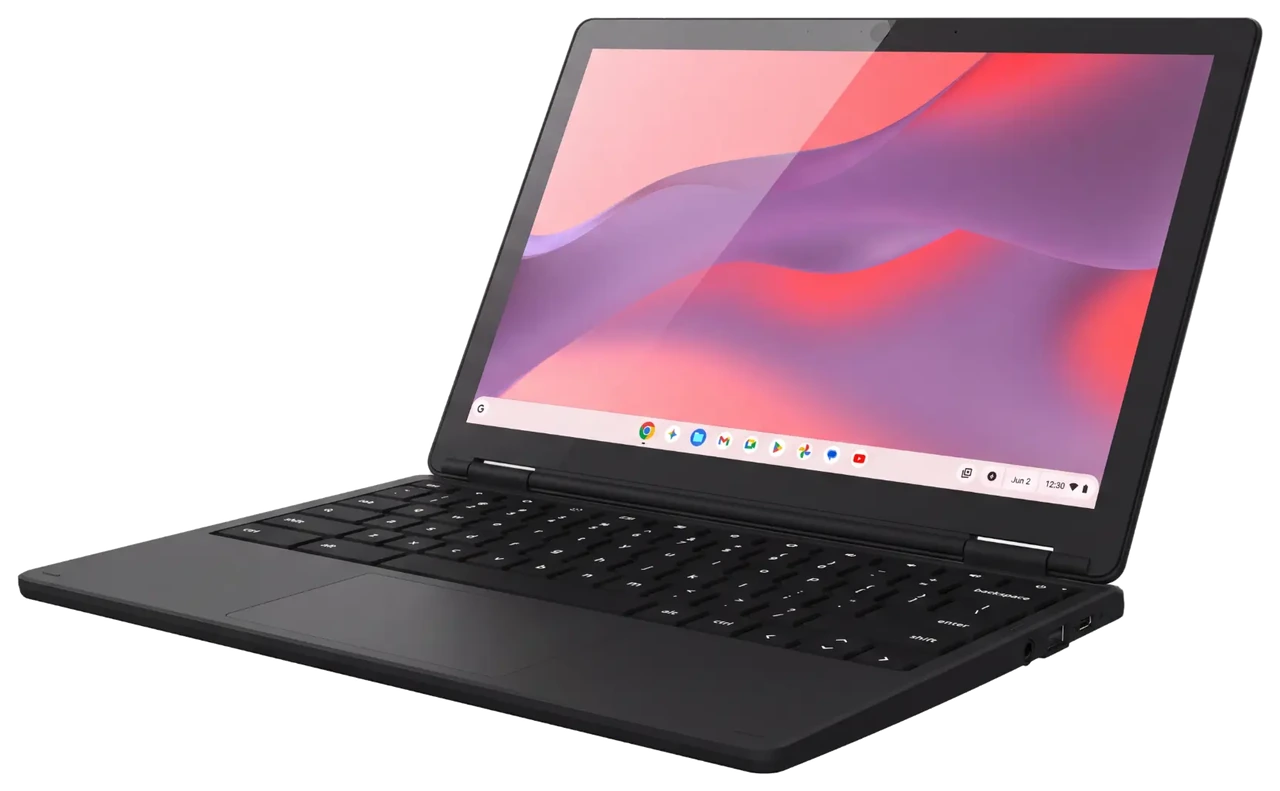
Chromebooks
ChromeOS clamshell and convertible options, including upcoming 11.6-inch and 14-inch MediaTek models for 2027.
Choose a consistent device family while matching memory, storage and display options to different users.
Explore Chromebooks →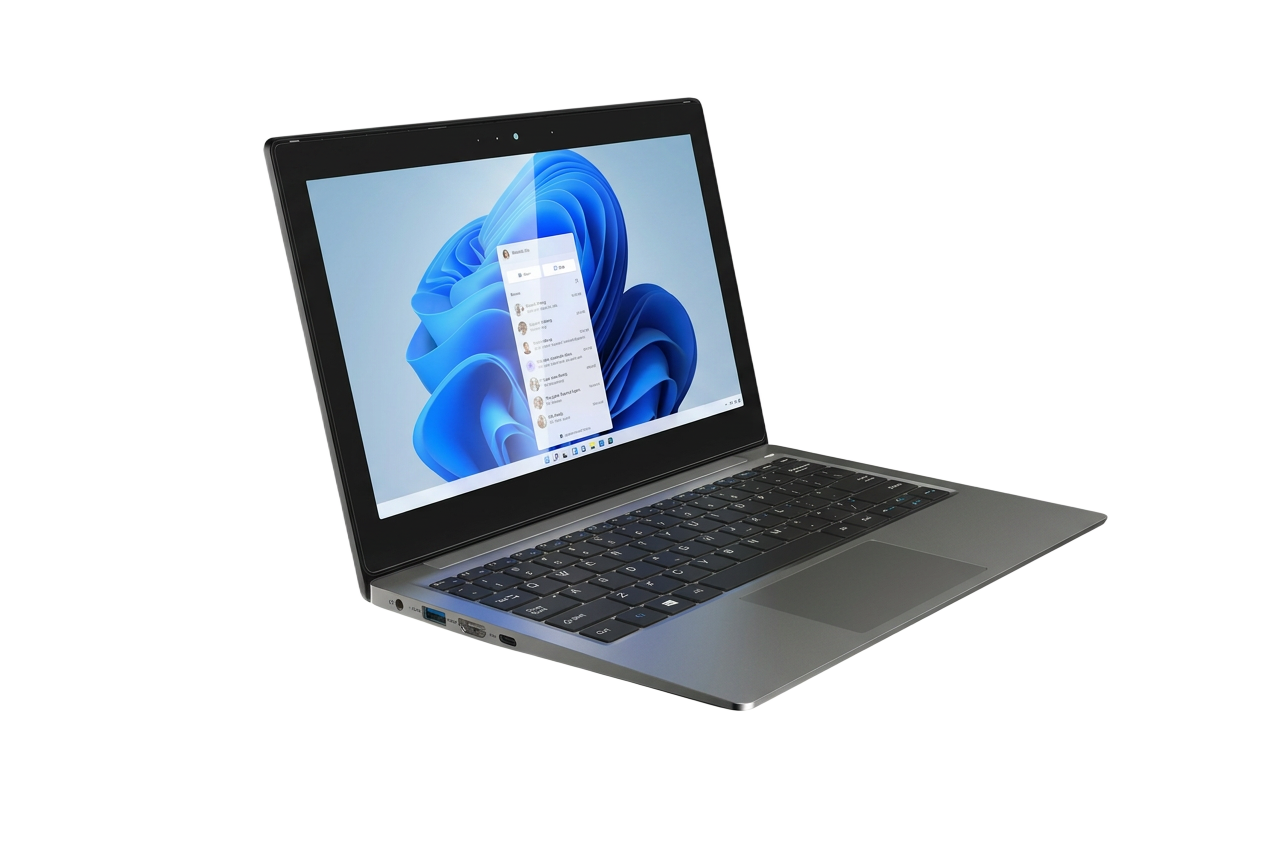
Notebooks
Windows hardware for teaching, administration and flexible business use.
Familiar Windows tools in a compact form for desks, classrooms and work on the move.
Explore Notebooks →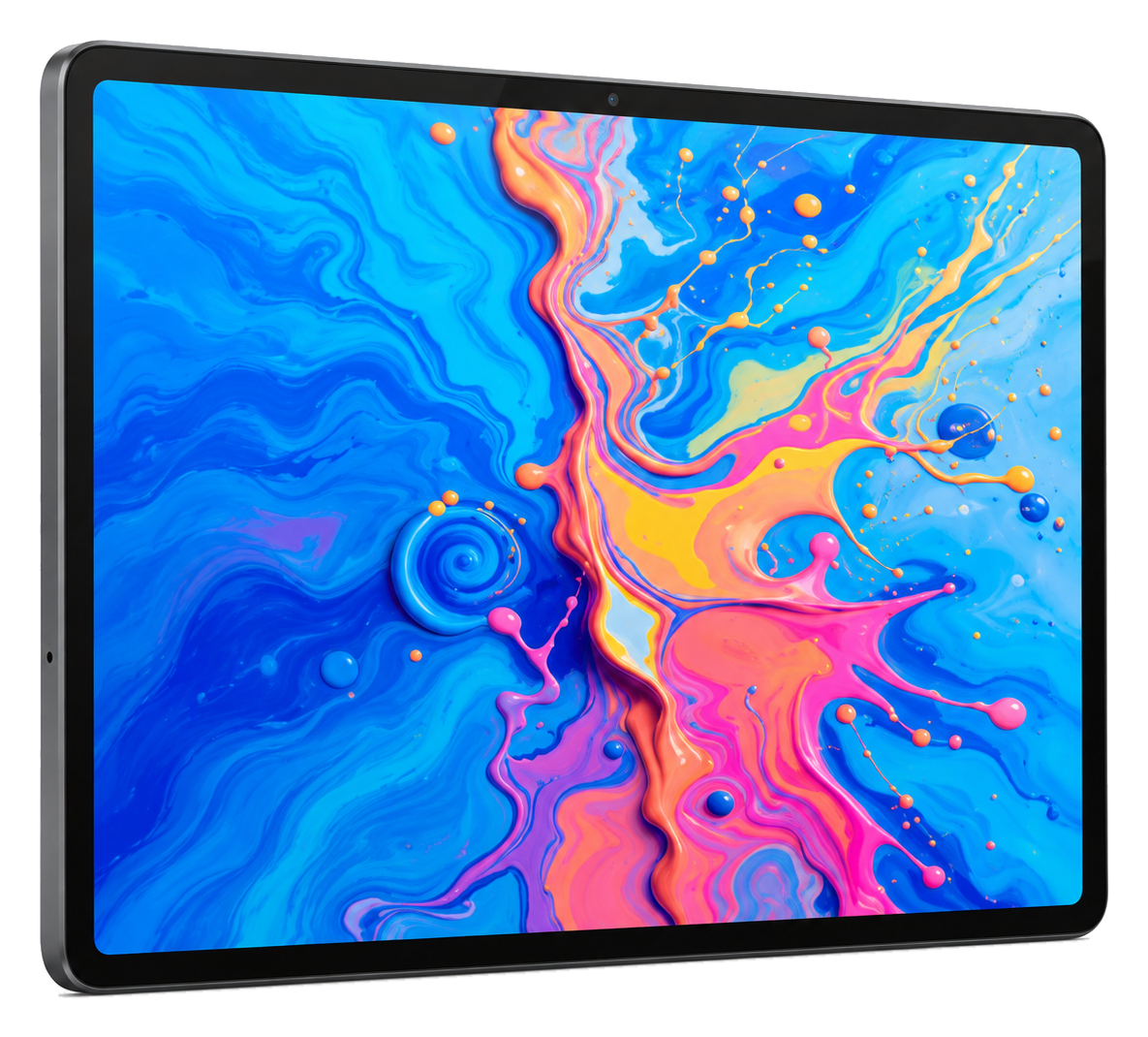
Tablets
Android touchscreen devices for digital content, annotation and mobile tasks.
A 12.7-inch 2176 × 1600 IPS panel with 4096-level handwriting input and a 10000mAh battery, in a 7mm metal chassis.
Explore Tablets →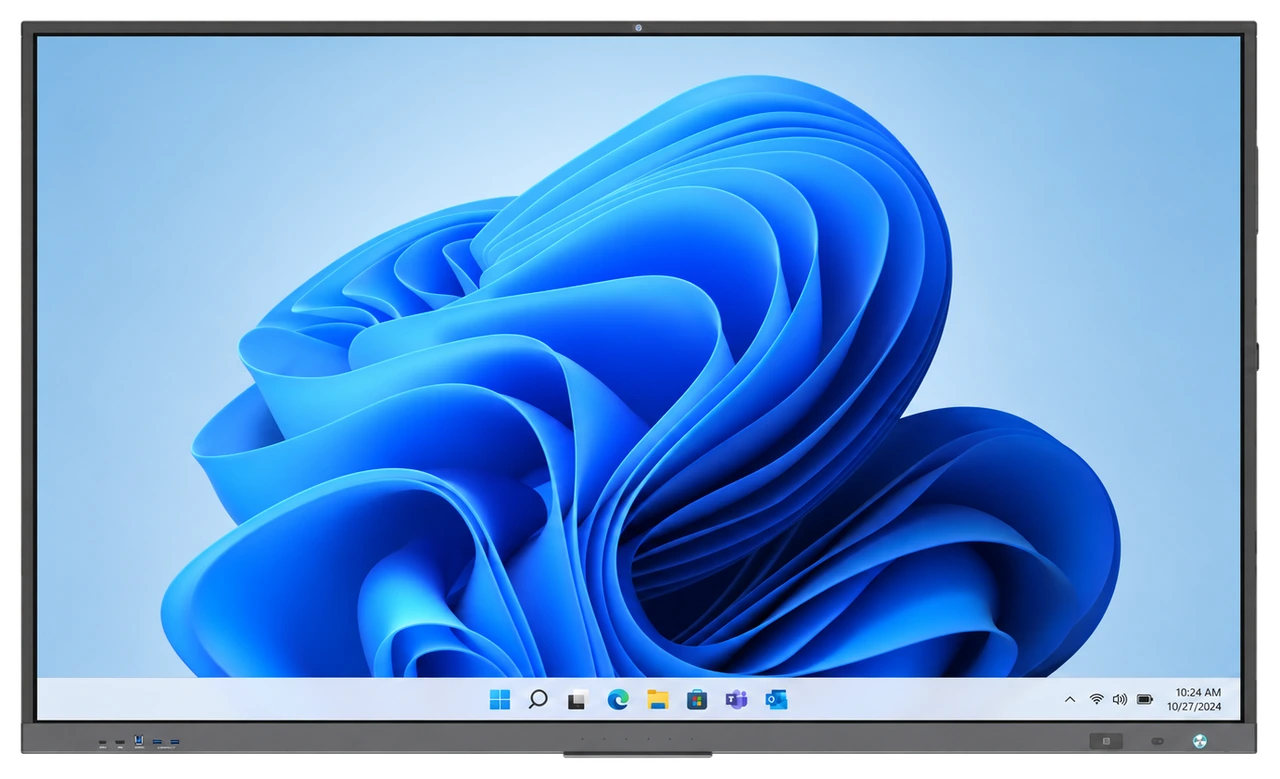
Smart Classroom
Interactive displays, compatible OPS computing and classroom tools for collaborative spaces.
Bring content, annotation and participation together at the front of the room.
Explore Smart Classroom →规划不止于单台设备。
周全的学习环境应将合适的设备与充电、课堂显示屏、配件及部署规划相结合。我们帮助教育团队综合评估这些需求。
洽谈您的项目
请介绍您的机构和需求,我们将与您一起评估合适的选项。