
Make more room for learning.
Equip students, teachers and training teams with technology that fits their learning environment. From individual devices to interactive classrooms, we help schools and institutions plan practical, cost-conscious deployments.
The challenge
Students and teachers
Different age groups, subjects and teaching roles call for devices that balance mobility, input and performance.
Manageable fleets
Consistent configurations, charging and practical device identification make a shared fleet easier to manage.
Classroom collaboration
Interactive displays and compatible computing can bring digital content, annotation and group participation into the room.
Budgets and term schedules
Product selection, quantities and rollout planning need to align with funding cycles and teaching calendars.
A suitable approach
Select the right platform
Review ChromeOS, Windows and Android models against the applications, management approach and age group.
Plan the complete classroom
Consider charging, classroom displays and compatible accessories alongside the devices themselves.
Coordinate the rollout
Bring configuration, quantities and delivery requirements together around the term schedule.
Upcoming for 2027
MediaTek Chromebook choices for compact and larger-screen learning.
Compare an 11.6-inch portable clamshell with a 14-inch WUXGA IPS option. Both documented configurations include Wi-Fi 6E, LPDDR5 memory and ChromeOS.
Relevant product categories
From the device to the classroom. Bring Chromebooks, notebooks, tablets, interactive displays and charging solutions into one considered technology programme.
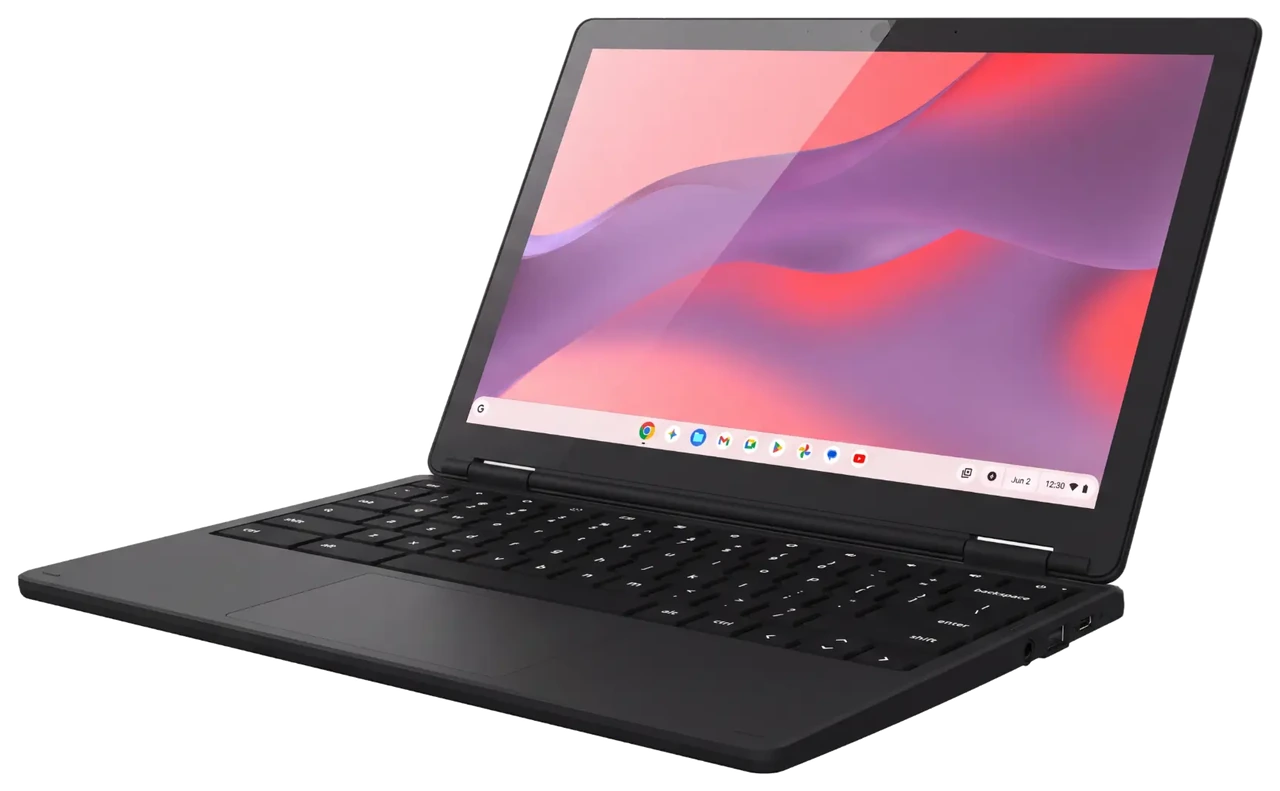
Chromebooks
ChromeOS clamshell and convertible options, including upcoming 11.6-inch and 14-inch MediaTek models for 2027.
Choose a consistent device family while matching memory, storage and display options to different users.
Explore Chromebooks →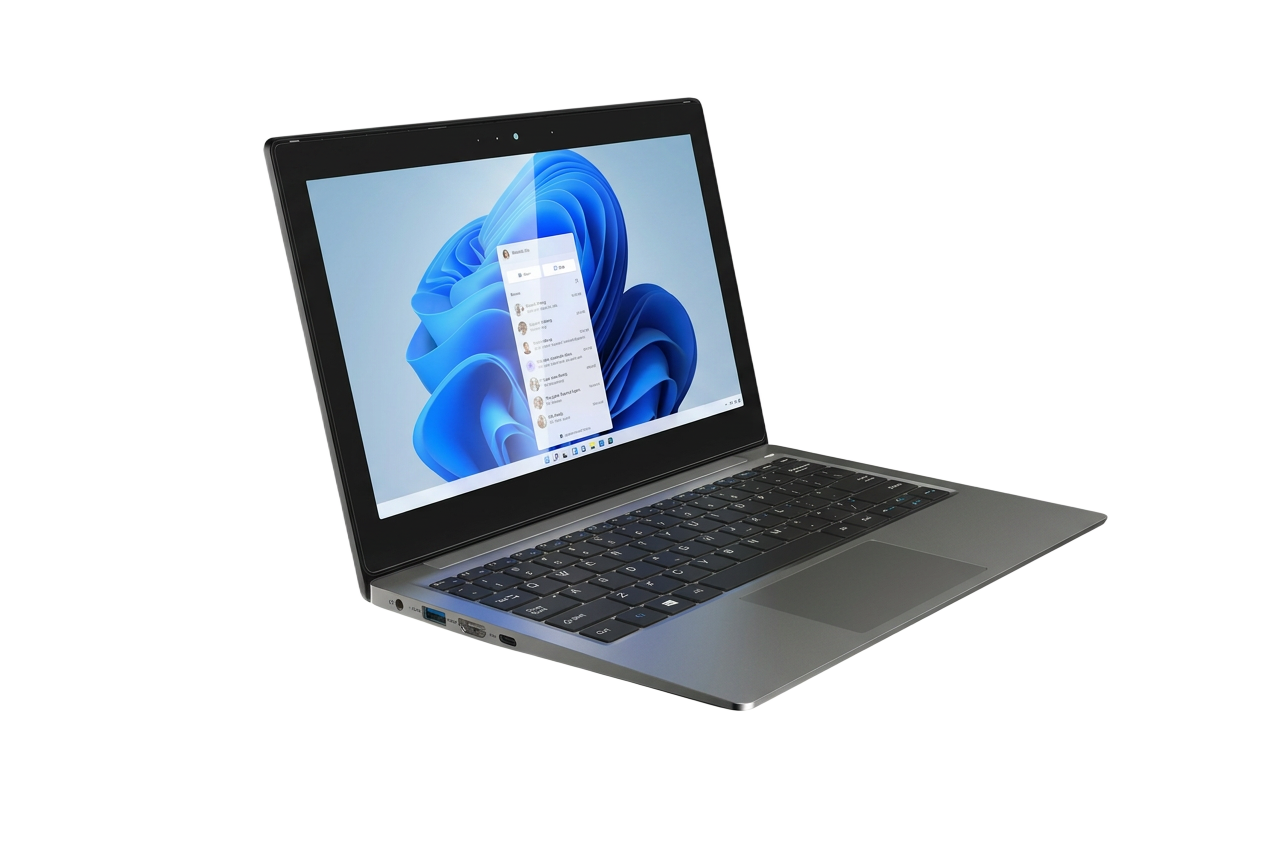
Notebooks
Windows hardware for teaching, administration and flexible business use.
Familiar Windows tools in a compact form for desks, classrooms and work on the move.
Explore Notebooks →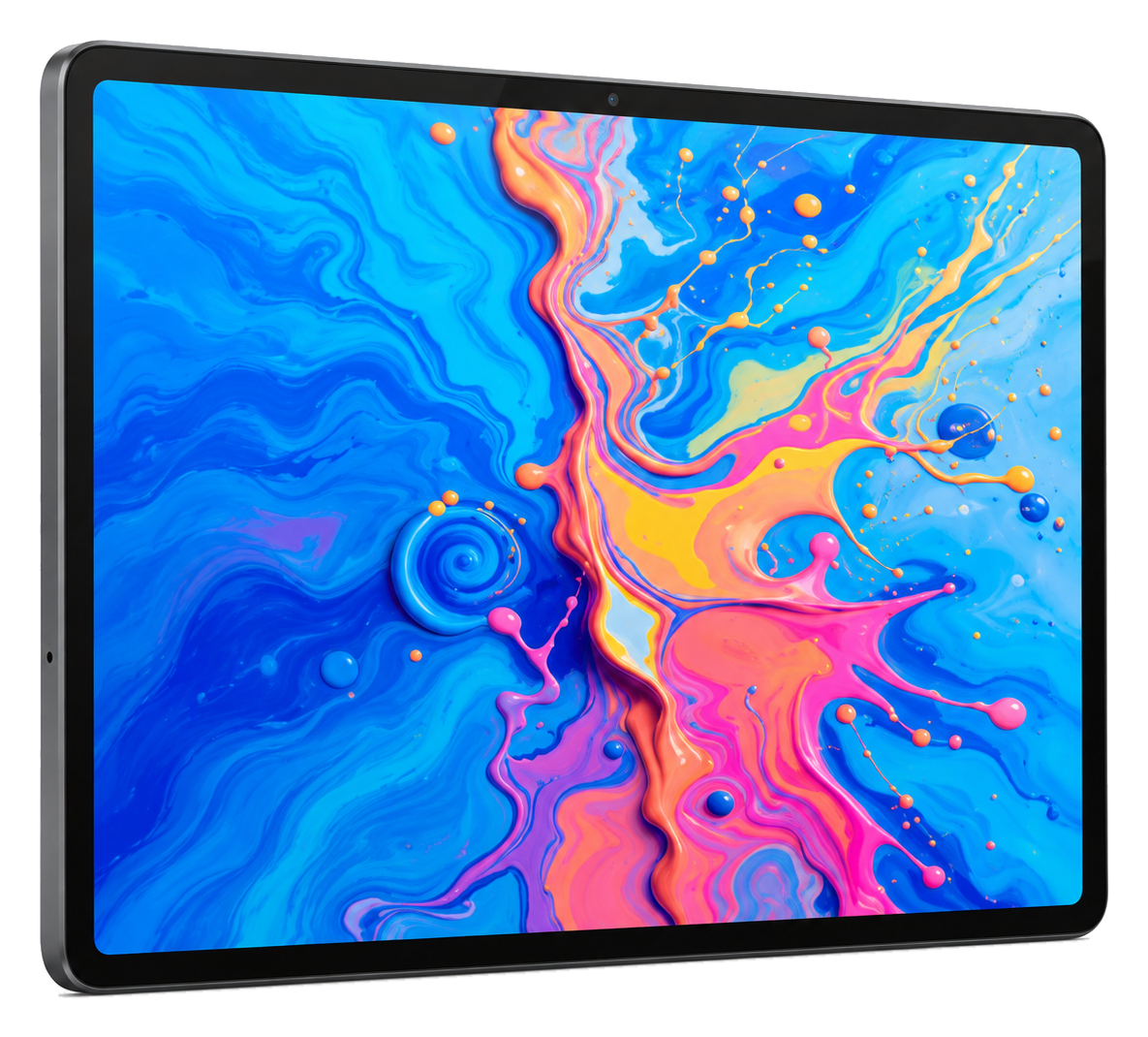
Tablets
Android touchscreen devices for digital content, annotation and mobile tasks.
A 12.7-inch 2176 × 1600 IPS panel with 4096-level handwriting input and a 10000mAh battery, in a 7mm metal chassis.
Explore Tablets →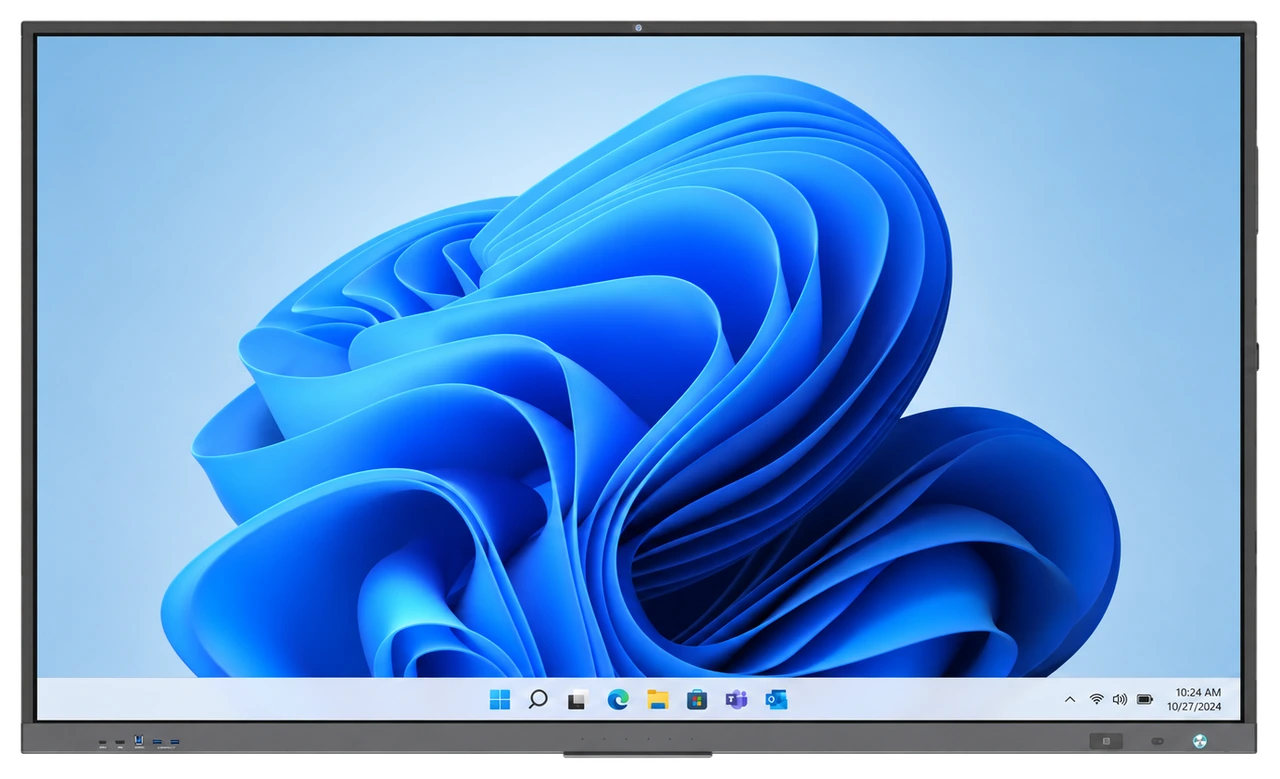
Smart Classroom
Interactive displays, compatible OPS computing and classroom tools for collaborative spaces.
Bring content, annotation and participation together at the front of the room.
Explore Smart Classroom →Plan beyond the individual device.
A considered learning environment connects the right devices with charging, classroom displays, accessories and rollout planning. We help education teams assess those requirements together.
Discuss your project
Tell us about your organisation and requirements and we will work through the options that fit.